
Laptop Not Booting in Benoni: Thapelo's HP 255 G6 Fixed with an SSD
Thapelo’s HP 255 G6 stopped loading Windows and showed the HP “Boot Device Not Found” error. The hard drive had died, so we fitted a new SSD and installed a fresh operating system.
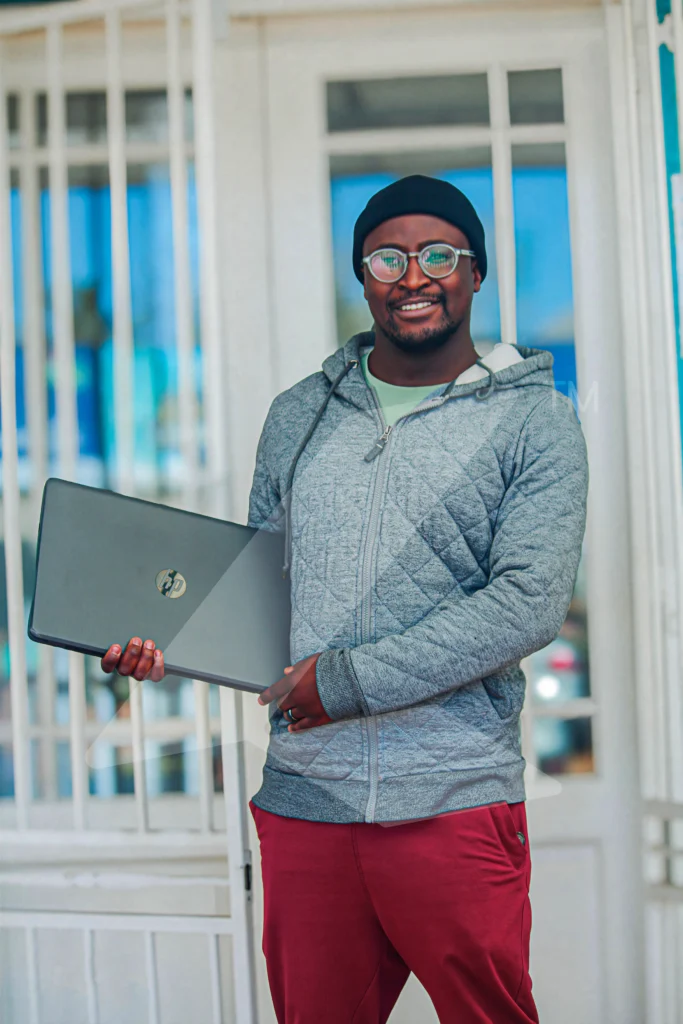
CLIENT
Thapelo
LAPTOP
HP 255 G6
FAULT
Boot Device Not Found (3F0)
REPAIR
New SSD and fresh Windows
The problem
Thapelo brought in his HP 255 G6 because it would not start. Instead of loading Windows, it stopped on the HP error screen: “Boot Device Not Found. Please install an operating system on your hard disk. Hard Disk (3F0).”
This error means the laptop cannot find a drive to start from. Sometimes it is just a setting, but in Thapelo’s case the hard drive itself had failed.
On the bench
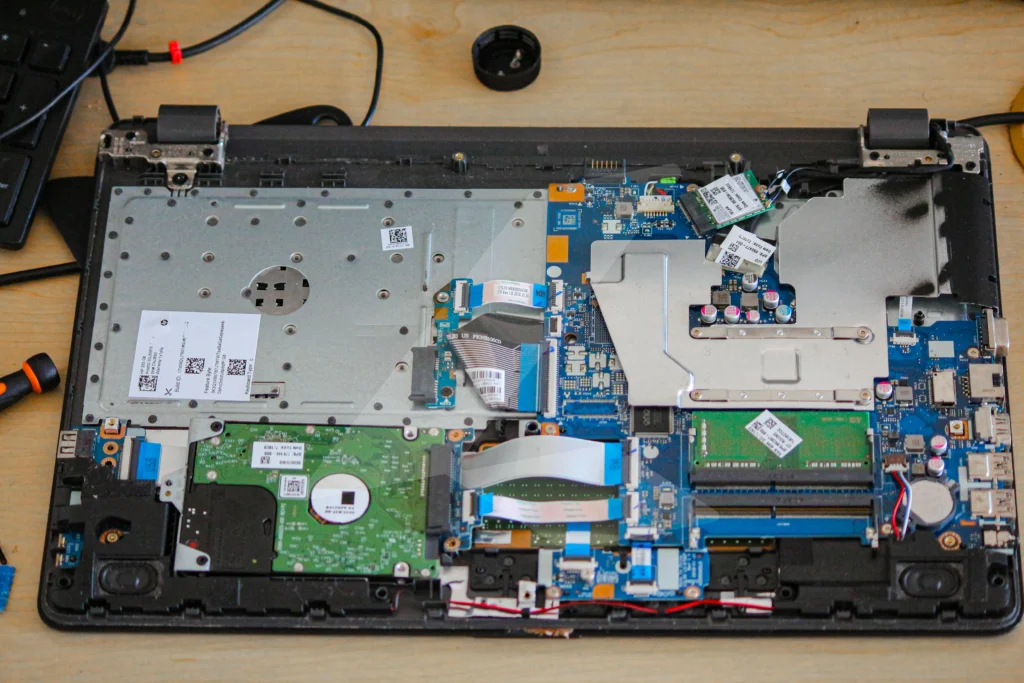
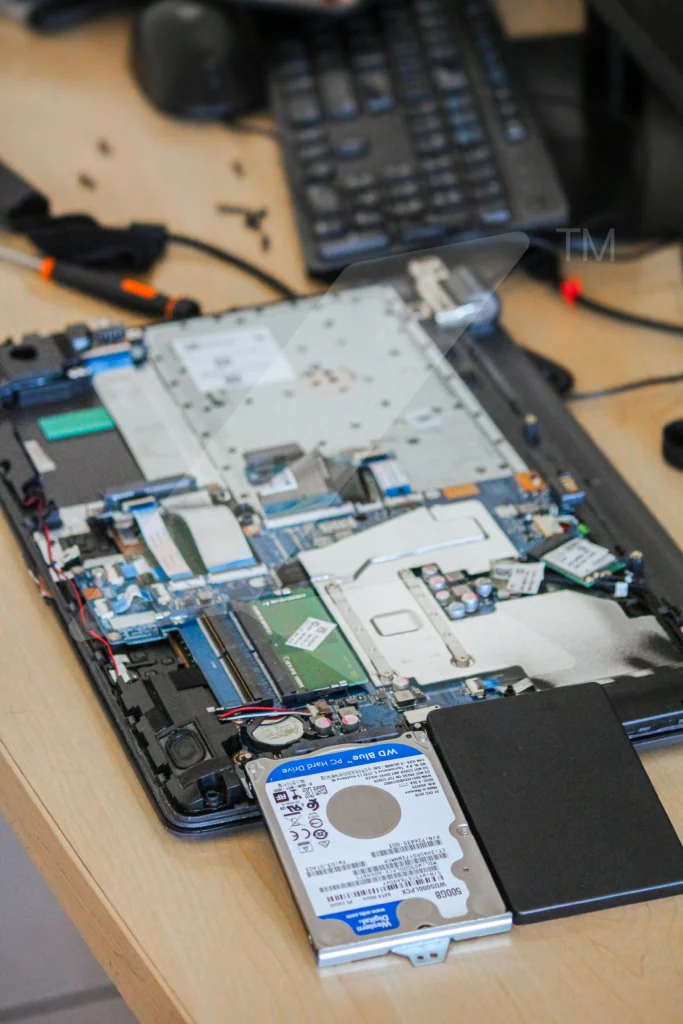
What we did
- Opened the laptop and tested the original 500GB WD Blue hard drive.
- Confirmed the hard drive had died. It was too far gone to clone, so nothing could be copied across.
- Removed the dead hard drive and fitted a new SSD in its place.
- Installed a fresh operating system and tested that the laptop starts up properly.
The result
Thapelo’s laptop boots straight into Windows again, and with the SSD it starts up and opens programs much faster than it did on the old hard drive. He is back to using it for his schoolwork every day.
Boot Device Not Found: your questions answered
It means the laptop cannot find a drive with an operating system to start from. It can be caused by a BIOS setting, a loose drive connection, corrupted Windows files or a failed hard drive.
No. We always test the drive first. If the drive is healthy, a settings change or Windows repair may be enough. In Thapelo’s case the drive had failed, so it had to be replaced.
Sometimes. If the drive still responds, we can try to copy your files or clone the whole drive to an SSD. When a drive has failed completely, as Thapelo’s had, cloning is not possible. Bring it in and we will tell you honestly what can be saved.
Yes, for most people. An SSD has no moving parts, so it starts Windows and opens programs much faster and handles bumps better than an old spinning hard drive.
WhatsApp us on 067 121 1482 and tell us what the laptop is doing, or bring it to Shop No. 7, The French Quarter, 202 Elston Avenue, Benoni. We diagnose first and tell you what is needed before we replace anything.
Laptop not booting? We can help.
Message us on WhatsApp and tell us what your laptop is doing.
Shop No. 7, The French Quarter, 202 Elston Avenue, Benoni
